Topic

Voice AI

All digests tagged Voice AI

2nd Place Winner: Coding Agent Calls Developer to Pitch Launch Strategy thumbnail

· 5:12

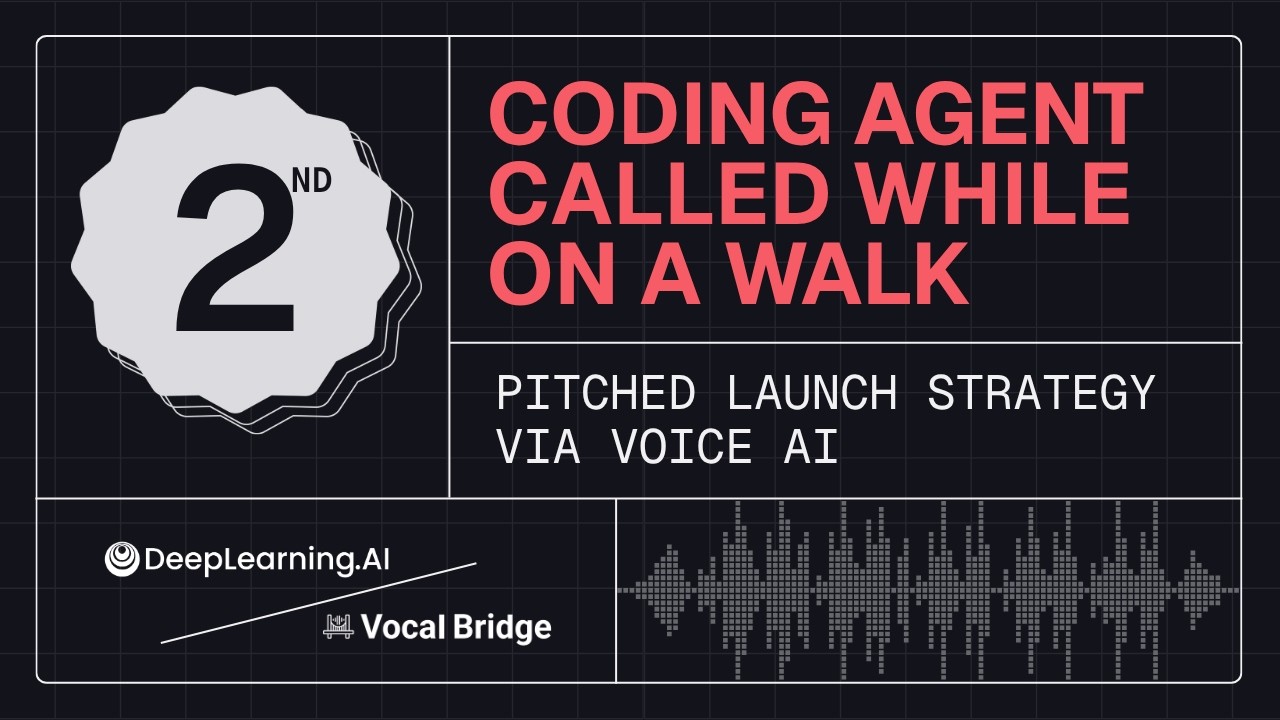
2nd Place Winner: Coding Agent Calls Developer to Pitch Launch Strategy

The video demonstrates an autonomous AI agent designed for product positioning strategy that operates while the developer is away (AFK). The agent handles routine tasks but utilizes a defined escalation matrix to call the human developer only when faced with non-reversible, high-stakes decisions. This process not only facilitates real-time discussion via voice call but also ensures all resulting decisions and follow-up action items are automatically logged back into the project documentation for transparency.

Key takeaways

  1. Autonomous AFK Operation

    The agent is instructed to run autonomously, completing all tasks it can handle without human intervention. It also checks working hours to prevent calling outside designated times.

  2. Strategic Escalation Matrix 1:40

    When the agent reaches a critical decision point (e.g., Lead on Value vs. Lead on Price), it triggers an escalation, presenting structured options and recommendations rather than asking for generic input.

  3. Decision Logging and Transparency

    Following the human decision (e.g., 'Lead on Value'), the agent automatically logs the approved decision and creates a follow-up task (e.g., 'follow up in 7 days') directly into the project files, ensuring decisions are never lost within transcripts.

Watch on YouTube Full article

1st Place Winner: Coding Agent Calls Developer to Resolve Code Block thumbnail

· 6:17

1st Place Winner: Coding Agent Calls Developer to Resolve Code Block

The demo showcases an advanced AI coding agent that autonomously handles a critical bug fix in a checkout API. When faced with a technical decision requiring human judgment—specifically, whether to maintain backward compatibility (Option A) or implement a clean refactor causing breaking changes (Option B)—the agent initiates an automated phone call to the developer for real-time guidance and execution.

Key takeaways

  1. Autonomous Agent Setup

    The setup involves running a coding agent via the Claude Code CLI, monitored by the Vocal Bridge dashboard, targeting a validation bug across five checkout API handlers (e.g., create order, apply coupon).

  2. Decision Point Triggered 3:26

    The agent identifies that fixing the bug requires a judgment call: Option A maintains backward compatibility but involves code duplication; Option B is a clean refactor but introduces a breaking change to the error format.

  3. Human-in-the-Loop Communication 1:52

    Instead of guessing, the agent initiates an outbound phone call (via VocalBridgeAI) to present the technical trade-offs and obtain a decision from the developer while they are away from their keyboard.

  4. Automated Execution

    Upon receiving the final verbal confirmation (Option B), the agent automatically executes the chosen path, logs the decision, and updates the code base without manual developer intervention.

Watch on YouTube Full article

Build Smarter Voice Agents thumbnail

· 46:14

Build Smarter Voice Agents

This panel discussion provides deep insights into building production-grade voice AI agents. Key architectural recommendations favor the deconstructed cascading pipeline (ASR $\rightarrow$ LLM $\rightarrow$ TTS) due to its superior flexibility for optimization and model swapping. Engineers must prioritize managing latency within a 1–1.5 second budget, implementing robust fallback systems across all stack components (ASR, LLM, TTS), and utilizing advanced context management techniques like 'Scratchpads' to maintain conversational continuity over long interactions.

Key takeaways

  1. Architectural Choice: Cascading Pipeline 1:45

    The cascading architecture is preferred because it allows for individual optimization of the ASR, LLM, and TTS layers. This modularity provides greater flexibility than a full Speech-to-Speech (S2S) stack when integrating new models or optimizing specific components.

  2. Latency Management 4:23

    The 'golden metric' for voice agent response time is between 1 to 1.5 seconds. Exceeding this budget can be unnerving for users, making latency a primary design constraint over pure accuracy in many cases.

  3. Context and Memory Management 18:05

    To prevent negative user sentiment from repeating information, agents must implement context stores (e.g., 'Scratchpads') to track customer profiles, preferences, and key facts across multiple turns or sessions.

Watch on YouTube Full article

Agent Context Carryover in Livekit Tutorial thumbnail

· 8:07

Agent Context Carryover in Livekit Tutorial

This tutorial demonstrates 'Agent Context Carryover,' a feature released for LiveKit using AssemblyAI's Universal 3.5 Pro model. This capability automatically feeds conversational context into the speech-to-text model, significantly boosting transcription accuracy—especially for proper nouns and key terms—without requiring manual plumbing or explicit context prompting from the developer.

Key takeaways

  1. Agent Context Carryover Functionality

    The feature automatically provides conversational context to the model, improving transcription accuracy when building voice agents on LiveKit. This is achieved by enabling a single parameter rather than implementing complex key term handling.

  2. Implementation Simplicity

    AssemblyAI's LiveKit plugin handles the necessary context plumbing automatically, allowing developers to gain accuracy benefits without setting up custom logic for key terms or sending agent messages manually.

Watch on YouTube Full article

Universal 3.5 Pro Demo: Smarter Speech-to-Text with Contextual Awareness thumbnail

· 10:07

Universal 3.5 Pro Demo: Smarter Speech-to-Text with Contextual Awareness

This demo introduces Universal 3.5 Pro, an advanced Speech-to-Text (STT) model designed to significantly boost transcription accuracy through enhanced contextual awareness. Key features include passing domain-specific prompts (e.g., 'cardiology consultation'), applying context to key terms to prevent misapplication, and supporting dynamic mid-call prompt updates via API calls. Furthermore, the model retains conversation history (agent context), allowing it to accurately transcribe user input even in poor audio conditions by understanding the situational flow of a voice agent interaction.

Key takeaways

  1. Contextual Prompting for Domain Accuracy

    Passing detailed information about the audio content (e.g., 'cardiology consultation between Dr. Smith and elderly patient regarding chest pain...') dramatically improves model accuracy within specific domains. The more specific the prompt, the better the results.

  2. Contextual Key Terms 2:00

    Unlike previous methods where key terms were applied blindly, Universal 3.5 Pro allows users to define what a key term represents (e.g., 'The user's name is Zachary Klebanoff'). This prevents the model from incorrectly applying terminology based solely on acoustic similarity.

  3. Dynamic Mid-Call Prompt Updates 2:55

    The prompt can be updated in real time via the API (not available in the playground demo). This is crucial for voice agents, allowing tool calls or external data to adjust the model's context mid-conversation.

  4. Conversation/Agent Context 3:30

    The model retains previous transcriptions and accepts LLM-generated responses from a voice agent as context. This provides situational awareness, improving accuracy even in poor audio conditions and reducing the Word Error Rate (WER) on voice agent datasets.

Watch on YouTube Full article