Topic

LangSmith

All digests tagged LangSmith

Create an agent that can browse the web with Managed Deep Agents and Browserbase's Stagehand thumbnail

· 10:39

Create an agent that can browse the web with Managed Deep Agents and Browserbase's Stagehand

This video demonstrates building a production-ready web browsing agent by integrating Managed Deep Agents (LangSmith) with Stagehand v4 and BrowserStack. The resulting agent can interact with live websites—performing actions like scrolling, clicking, and navigating—using specialized tools exposed by Stagehand to connect the AI model to scalable browser infrastructure.

Key takeaways

  1. Agent Architecture Overview

    The solution uses Managed Deep Agents as the core agent harness (LangSmith), which is augmented with tools from Stagehand v4. Stagehand, in turn, connects to web browsing infrastructure provided by BrowserStack for production-grade scalability.

  2. Stagehand V4 Tools 3:57

    The agent is given three core tools from Stagehand: `screenshot` (visually inspects the rendered page), `snapshot` (inspects the active page and hydrates element IDs for simple interactions), and `run` (accepts snapshot actions or JavaScript via the Playwright-shaped page API, ideal for multi-step workflows).

  3. Development Workflow (Local vs. Production) 6:00

    The development process involves running `mda dev` locally to test the agent in a managed deep agent studio environment. For production, the deployment is finalized using `mda deploy`, which creates a serverless deployment within LangSmith's Context Hub.

Watch on YouTube Full article

How Harmonic 4x'd User Retention by Building on Deep Agents thumbnail

· 16:25

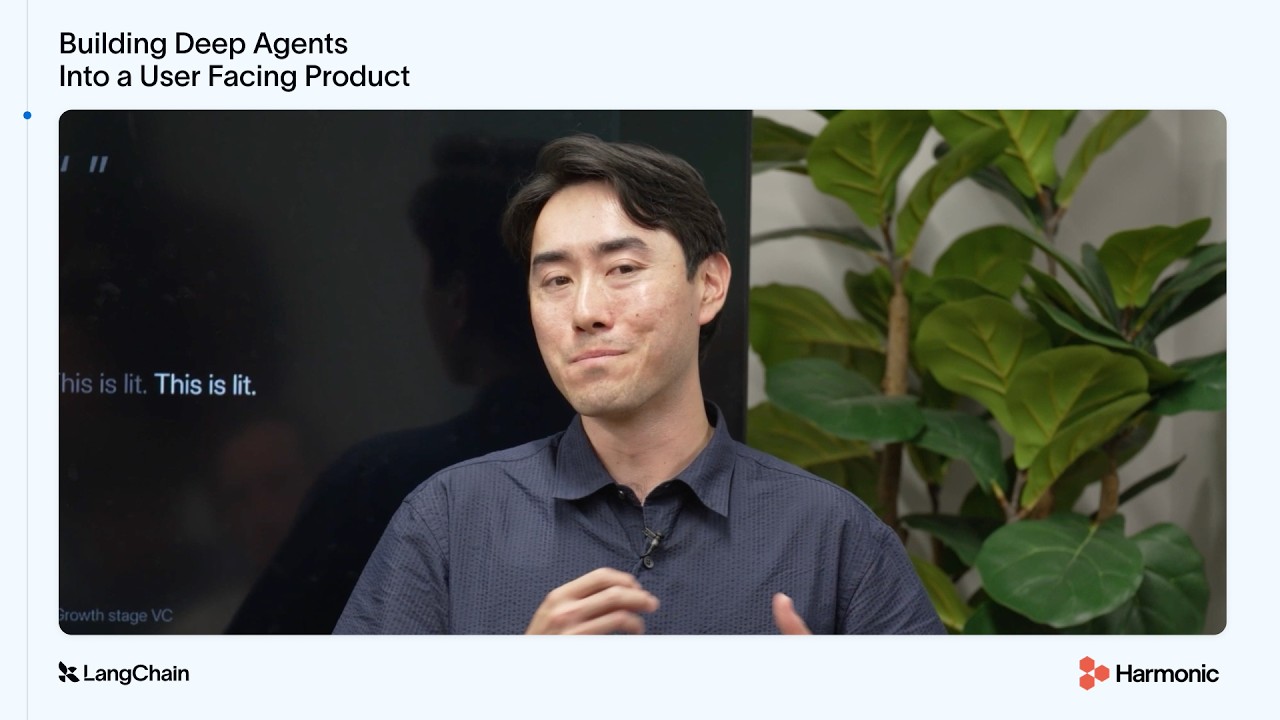
How Harmonic 4x'd User Retention by Building on Deep Agents

Harmonic transitioned its natural language interface, Scout, from a brittle query parsing graph to an architecture built on Deep Agents and a simple model-plus-tools loop. This shift quadrupled week one to week four user retention. The core technical lesson is that robust agent design requires managing context via a 'harness contract,' ensuring that all artifacts (like visualizations or large search result sets) are visible to the model—either in the message list or offloaded through file system tools—to prevent the UX from becoming an invisible black box.

Key takeaways

  1. Deep Agents significantly boost retention 2:04

    Switching to Deep Agents resulted in a fourfold increase in week one to week four user retention for Scout. (1:24)

  2. The agent architecture simplified from graphs to loops 4:01

    Scout evolved from complex, multi-node query parsing graphs (LangGraph) into a simpler model and tools loop, mediated by middleware. (2:41)

  3. Context management is handled by the harness 8:16

    Deep Agents manage context overload using mechanisms like compaction for long message lists and file system abstraction to store large results, returning only pointers to the model. (4:56)

  4. UX must respect the agent's context contract 11:44

    For a product UX to be useful, any rendered element (e.g., charts) must either reside in the message list or be discoverable by the model via tools/file system pointers; otherwise, it is invisible to the agent. (7:04)

Watch on YouTube Full article

Voice Agent observability with LangSmith thumbnail

· 7:38

Voice Agent observability with LangSmith

This session details how to implement robust observability for voice agents built using the Google ADK and Gemini Live model by integrating LangSmith tracing. The process involves defining a custom plugin that captures not only the conversation transcript but also the full audio stream (user input and agent output). This visibility allows engineers to debug complex interactions, analyze tool usage, track interruption events, and monitor token-level costs for production readiness.

Key takeaways

  1. Gemini Live Model Functionality

    Gemini Live is Google's native audio model that operates in a speech-to-speech manner. It takes audio directly as input and produces audio as output without transcribing to text, resulting in low latency and natural, emotive voice quality.

  2. LangSmith for Observability 2:05

    LangSmith is a platform built by LangChain specifically for AI agent observability and evaluations. It provides visibility into the internal workings of the voice agent, which is crucial for safe production deployment.

  3. Capturing Conversation Audio 4:00

    To ensure the 'source of truth' for a voice interaction is captured, the tracing setup must include functions to record both user audio and agent audio. Recording agent audio requires careful placement (e.g., using a `set play callback` on the audio out class) to capture only what the user actually heard.

Watch on YouTube Full article

The Art of Loop Engineering: How to Build Agents That Improve Over Time thumbnail

· 46:08

The Art of Loop Engineering: How to Build Agents That Improve Over Time

The video introduces 'Loop Engineering,' an emerging design pattern critical for building reliable, production-grade AI agents. Agents are inherently non-deterministic; therefore, they require structured loops—such as the Core Agent Loop, Verification Loop, Event-Driven Loop, and Self-Improvement Loop (Hill Climbing)—to ensure reliability, automate continuous improvement, and integrate seamlessly into existing systems. The LangSmith platform is presented as a key tool for managing this complex agent development lifecycle.

Key takeaways

  1. Core Agent Loop (Level 1) 10:30

    This basic action-taking loop involves the model receiving context, calling tools to complete tasks, and receiving observations until completion. Optimization focuses on selecting the right model intelligence for the task complexity and improving tool descriptions via prompt engineering.

  2. Verification/Goal Loop (Level 2) 15:20

    This loop adds reliability by introducing a 'Grader' or verification step. After the core agent attempts a task, the Grader scores the result against predefined criteria (rubrics). If criteria are not met, the process is fed back into the agent loop for correction.

  3. Event-Driven Loop (Level 3) 20:00

    Agents become powerful when triggered by external systems (e.g., Slack messages, emails). This loop integrates the agent into relevant workflows, making it a system improvement mechanism rather than just an isolated task executor.

  4. Self-Improvement Loop / Hill Climbing (Level 4) 23:20

    This advanced loop automates agent improvement by analyzing traces. A helper agent, like LangSmith Engine, detects failure modes (e.g., improper tool arguments, missed context) and autonomously updates the core harness—including prompts, tools, skills, or memory—to improve future performance.

Watch on YouTube Full article

The Agent Development Lifecycle 101 by Harrison Chase thumbnail

· 45:17

The Agent Development Lifecycle 101 by Harrison Chase

The Agent Development Lifecycle outlines a systematic approach for moving AI agents from isolated demos to reliable production systems. The process is broken down into five stages: Build, Test, Deploy, Monitor, and Govern. Key focus areas include ensuring agent reliability at scale by implementing durable execution, managing complex state via virtual file systems, and using advanced observability tools like tracing and online evaluation (evals) to detect failures and drive continuous improvement.

Key takeaways

  1. Systematic Iteration is Key 3:50

    Successful teams treat agents not as one-off projects but as systems requiring systematic iteration across the entire lifecycle: build, test, deploy, monitor, and improve. The primary challenge in shipping agents reliably at scale is ensuring consistent behavior.

  2. Agent Development Components 5:50

    The core components are Build (frameworks/harnesses), Test (data sets, metrics, benchmarks like Terminal Bench 2), Deploy (durable execution, sandboxes), Monitor (tracing, online evals), and Govern (cost control, tool access management).

  3. The Role of Tracing and Observability 17:06

    Tracing is fundamental for debugging agents, allowing developers to see the inputs and outputs at every step (including tool calls) to understand why an LLM or agent failed. Online evals extend this by scoring production traces without needing ground truth.

  4. Self-Improving Agents 31:30

    Advanced platforms, like LangSmith Engine, are beginning to automate the improvement loop. They run in the background over existing traces, clustering issues and suggesting fixes (code or prompt changes), thereby drastically lowering the burden of operating agents at scale.

Watch on YouTube Full article

/goal: Building big features with dcode thumbnail

· 8:02

/goal: Building big features with dcode

The video introduces `dcode`, an open-source, model-agnostic coding agent, and its new `/goal` command. This feature enables long-running, persistent tasks by wrapping the standard agent loop in a 'goal loop.' Instead of relying on single-shot requests for large features (like meaty PRs), `/goal` establishes visible acceptance criteria that guide the agent's work over hours. The demonstration shows how to use this mechanism to add native browser control to `dcode`, allowing the user to steer, amend requirements, and inspect progress using tools like LangSmith tracing.

Key takeaways

  1. The /goal Command 2:50

    The `/goal` command provides a long-running, persistent objective for agents tackling large tasks. It shifts alignment work upfront, making it visible and allowing mid-run tailoring of requirements (3:46).

  2. Goal Loop Mechanism 0:35

    The goal loop wraps the agent's inner action loop. The outer loop continuously checks if actions satisfy the durable acceptance criteria; if not, the goal remains active until evidence satisfies all requirements (0:17).

  3. Steering and Amending Goals 4:40

    Users can inspect the current state with `/goal show` or update/correct requirements mid-run using `/goal amend`, which interprets the message within the context of the active goal (3:46).

Watch on YouTube Full article

60% Faster Time-to-Interview: Transforming Hiring with AI Agents with LangChain thumbnail

· 18:05

60% Faster Time-to-Interview: Transforming Hiring with AI Agents with LangChain

LinkedIn details the architecture of a hiring agent built with LangChain and LangGraph that successfully cut time-to-interview by 60% for small businesses. The system evolved from static workflows to an advanced agentic control model utilizing a central planner within a plan-execute-replan loop. Key architectural components include specialized memory types (conversational and experiential), middleware hooks for PII detection, and rigorous 'harness engineering' techniques—such as state flag chaining and one-shot tool guards—to ensure the probabilistic nature of LLMs results in a dependable product.

Key takeaways

  1. Hiring is an Agent Problem

    The hiring process is inherently iterative (plan, act, observe, adapt), requiring continuous adaptation rather than being a one-shot task. This necessitates an agentic approach.

  2. Architectural Evolution to LangGraph 0:03

    The system progressed from hard-coded static workflows (if/then) to sequential LangChain chains, culminating in LangGraph for its true agentic control model featuring a central planner and plan-execute-replan loop.

  3. Choosing LangGraph 0:05

    LinkedIn selected LangGraph over 89 evaluated frameworks because it complements existing infrastructure, builds upon core LangChain primitives (runnables, tools), and allowed for zero rewrite adoption.

  4. Achieving Determinism via Harness Engineering 0:10

    To make the agent dependable, LinkedIn implemented advanced 'harness engineering' techniques, including context management (checkpoint trimming), output format determinism (template confirmation/fallbacks), and node-change determinism (state flag chaining and one-shot tool guards).

Watch on YouTube Full article

Trace Every Cursor Agent Turn in LangSmith thumbnail

· 3:04

Trace Every Cursor Agent Turn in LangSmith

This walkthrough details how to integrate LangSmith tracing with Cursor agents, ensuring that every agent turn is captured as a full, inspectable trace in LangSmith. The process involves installing the LangSmith plugin in Cursor, setting three specific environment variables (including `LANGCHAIN_TRACING_V2`), and running an end-to-end task to verify the hook's functionality.

Key takeaways

  1. Full Trace Capture

    By implementing this setup, every agent turn executed by Cursor is logged as a distinct trace in LangSmith, providing comprehensive visibility into the agent's execution flow.

  2. Trace Structure Details 1:43

    Each trace captures the model run details (model name, token usage), input/output, tool runs (e.g., file reads, shell commands), and nested tasks if sub-agents are involved.

  3. Cross-Agent Comparison

    LangSmith maintains a common trace structure that allows users to compare traces from multiple agents (Cursor, Claude Code, and Codex) within the same workspace.

Watch on YouTube Full article