Topic

API Integration

All digests tagged API Integration

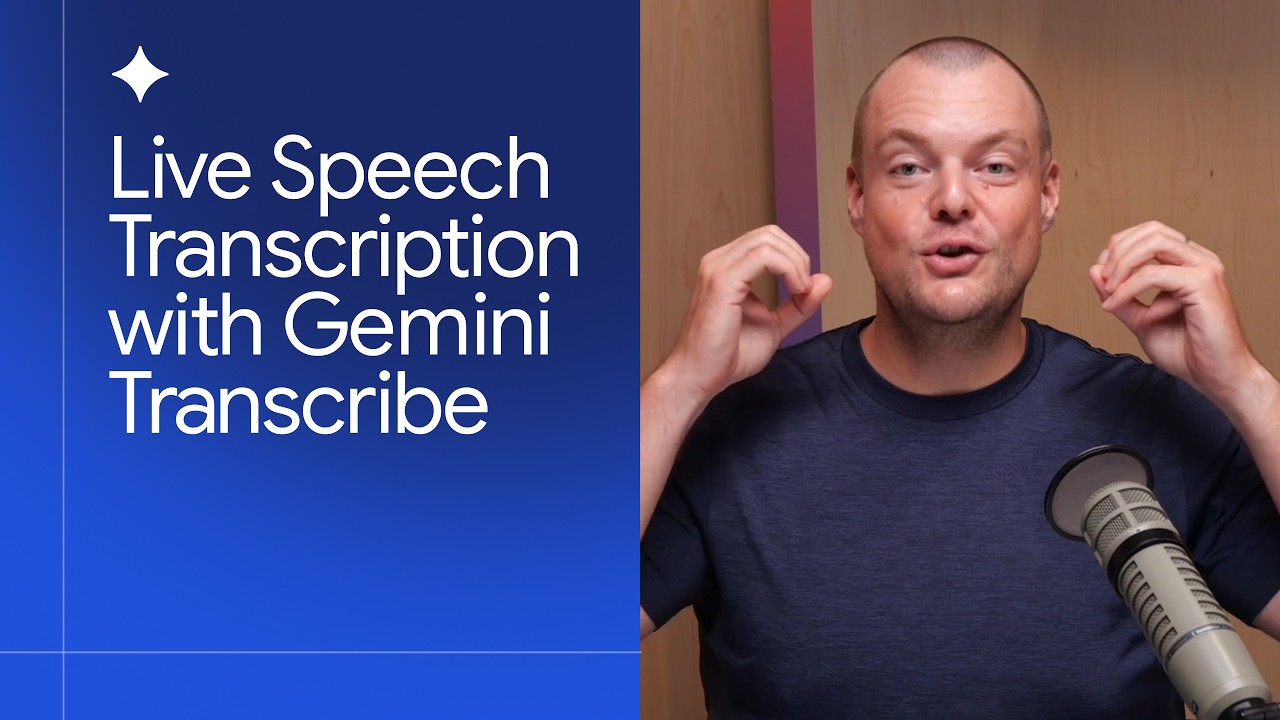
How to build with Gemini 3.5 Transcribe thumbnail

· 4:50

How to build with Gemini 3.5 Transcribe

Google DeepMind launched Gemini 3.5 Transcribe, an LLM-based transcription model available via both the Interactions API and the Live API. This model significantly enhances accuracy by correctly transcribing complex data types—such as email addresses, phone numbers, and mixed units of measurement—and maintaining high performance across over 85 supported languages, even when language codes are set to English.

Key takeaways

  1. LLM-Based Transcription Model

    The model's LLM foundation allows it to handle complex data structures and context better than traditional transcription models. For example, it can correctly identify and edit email addresses even if spoken phonetically (e.g., 'tosten at google.com').

  2. Handling Complex Data Types 2:00

    Gemini 3.5 Transcribe accurately recognizes specific formats, including US phone numbers and international variations (e.g., Singapore's 8-digit format). It can also correctly interpret units of measure (e.g., meters vs. centimeters).

  3. Multilingual and Customization Support 0:40

    The model supports over 85 languages, automatically recognizing spoken language even if language hints are set to English. Accuracy can be further improved by providing custom vocabulary (e.g., names of people in a meeting) or setting specific language codes.

Watch on YouTube Full article

Managed Deep Agents - Tools thumbnail

· 6:21

Managed Deep Agents - Tools

This video details how to extend the functionality of a managed deep agent by implementing custom tools. Tools allow agents to interact with external systems (like databases or proprietary APIs) beyond built-in capabilities. Custom tools are defined as standard Python/TypeScript functions decorated with `@tool` and require detailed docstrings, which guide the Large Language Model (LLM) on how and when to use them.

Key takeaways

  1. Purpose of Tools

    Tools give agents capability by allowing interaction with the outside world, such as looking up data in databases or taking actions via external APIs. Built-in tools (e.g., web search) are provided by the underlying model, while custom tools address specific organizational needs.

  2. Defining Custom Tools

    In Python, a custom tool is defined as a function decorated with `@tool` from `LangChain tools`. The function's name becomes the tool name, its parameters are what the LLM must fill out, and the docstring serves as the primary description for the agent.

  3. Integration Process 2:00

    To use a custom tool, define it in a separate file (e.g., `tools/lookup.py`), and then import and pass the function reference into the agent definition script.

Watch on YouTube Full article

5 Ways to Connect AI Agents to Tools: From APIs to MCP thumbnail

· 11:28

5 Ways to Connect AI Agents to Tools: From APIs to MCP

The video outlines a five-step progression of architectural patterns for securely connecting AI agents to external tools, moving from simple direct API connections to highly secure systems utilizing vaults and token exchanges. The evolution emphasizes improving user visibility, eliminating impersonation, and ensuring the use of short-lived credentials.

Key takeaways

  1. Pattern 5: Direct Connection (Basic) 1:42

    Agents connect directly to tools using existing methods like API keys or service IDs. This is simple but lacks user visibility, as the tool cannot determine who the end-user is.

  2. Pattern 4: OAuth Flows Added 3:25

    Integrating an Identity Provider via OAuth flows allows authentication of the user (e.g., GitHub, Jira). While improving security, this pattern introduces impersonation and risks long-lived access tokens.

  3. Pattern 3: Model Context Protocol (MCP) Layer 5:20

    Adding an MCP layer abstracts the connection process. The agent only needs to know how to interact with MCP, rather than needing specific knowledge of every tool's API structure.

  4. Pattern 2: Token Exchange and Delegation 6:50

    This pattern requires the agent to authenticate itself and operate on behalf of the user (delegation). A token exchange mechanism is used, which significantly improves security by providing full observability into both the user's actions and the agent's role.

  5. Pattern 1: Vault Integration (Top Pattern) 9:00

    The most secure pattern involves introducing a dedicated vault. Instead of passing long-term tokens, the vault stores credentials and issues only short-lived credentials to MCP for the user, minimizing replay attack risks.

Watch on YouTube Full article

Introducing Gemini 3.7 Flash thumbnail

· 2:33

Introducing Gemini 3.7 Flash

Gemini 3.7 Flash is introduced as a highly capable 'workhorse model' optimized for coding and agent-first workflows. The video demonstrates its power by building complex, animated sprite-based games within Google Antigravity, showcasing the ability to generate assets (using Nano Banana Pro) from single prompts. A key feature highlighted is the model's capacity for radical concept remixing—adapting an entire game world (e.g., from 'sorcerers' to a 'pizza delivery driver') with minimal prompt changes.

Key takeaways

  1. Agent-Driven Game Prototyping 0:15

    The model successfully generates assets and builds an entire game level (e.g., 90s animated sprite game) from a single prompt within Google Antigravity, demonstrating high design adherence.

  2. Concept Remixing Capability 1:05

    The model can adapt an entire game's look and feel to a completely different concept (e.g., changing the theme from sorcerers to a suburban pizza delivery driver) by modifying only a few words in the prompt.

  3. Model Improvement Areas 1:45

    Gemini 3.7 Flash shows improvements across debugging, web development, and overall design adherence, resulting in higher fidelity builds with less back-and-forth iteration.

Watch on YouTube Full article