How to set up Herdr for multi-agent coding (full guide)
Summary
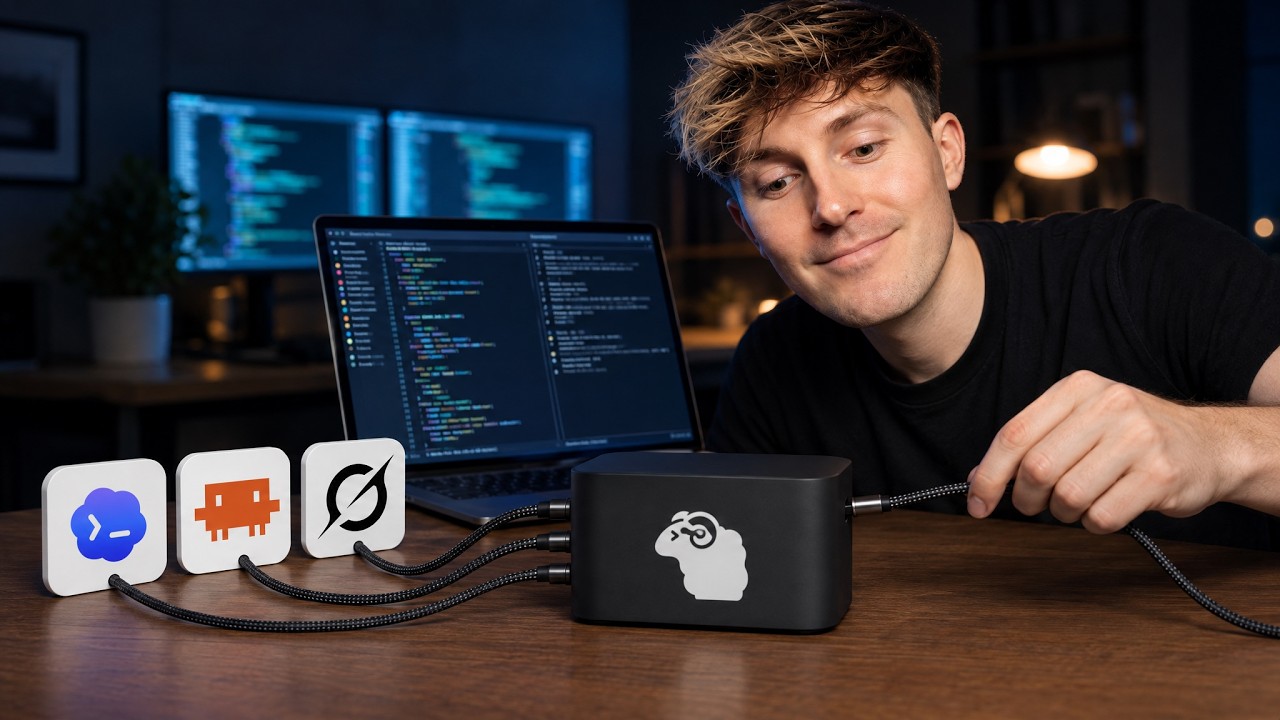
This guide details setting up Herder, a tool described as the 'meta' for multi-agent coding, allowing developers to manage and orchestrate multiple AI coding agents and projects within a persistent terminal environment. The setup emphasizes creating isolated 'spaces' for different projects, integrating various AI model harnesses (e.g., Grock, Codeex, Claude), and optimizing the workflow using advanced CLI tools like zoxide, Neovim, and Lazygit. The core benefit is achieving a single, persistent interface for complex, multi-agent development cycles, minimizing context switching and session loss.
Key takeaways
-
Persistent Session Management
Herder allows developers to maintain persistent terminal sessions (spaces) that survive terminal closures, similar to T-Mix, ensuring continuous work history and state for CLI-based coding tools.
-
Agent Orchestration and Delegation
The Herder skill enables agents to communicate and delegate tasks across different sessions and models (e.g., using Claude to review code started by Grock), providing full transparency into the multi-agent workflow.
-
Customization via config.toml
20:32
All aspects of Herder—including colors, spacing, and keyboard shortcuts—can be customized using the `config.toml` file, which can even be configured by an AI agent.
-
Optimizing Navigation and Workflow
Integrating tools like zoxide for faster folder navigation and Lazygit for Git status review allows the entire development process to be contained within a single, optimized terminal interface.
Technical details
-
Installation and Core Commands
0s
Installation is initiated via a simple command (Linux/Mac/Windows). The primary command is `herder`, which launches the persistent workspace. Users can manage sessions using `herder session list` and `herder-help`.
-
Workspace Structure
530s
Work is organized into 'Spaces' (top-level projects) and 'Tabs' (individual sessions/agents). Agents are defined as any session where an AI model harness (e.g., Codeex, Grock) is invoked.
-
Integration and Setup
1050s
To ensure proper function, users must enable integrations for all desired agent harnesses (e.g., `herder integration install cloud codeex crock`).
-
Workflow Enhancements
Recommended external tools include: **zoxide** (for fast folder navigation via `z` command), **Neovim** (for file viewing/editing within the terminal), and **Lazygit** (for reviewing Git status and commits).
Mentioned resources
- Herder
- Ghostty
- Glaido
- Datalumina
Channel & topics
Watch on YouTube · Back to latest
This independent, AI-assisted summary is provided for commentary and informational purposes. It may contain errors or omit important context. Please watch the original video for the creator's complete presentation. Video, thumbnail, and related copyrights belong to their respective owners.