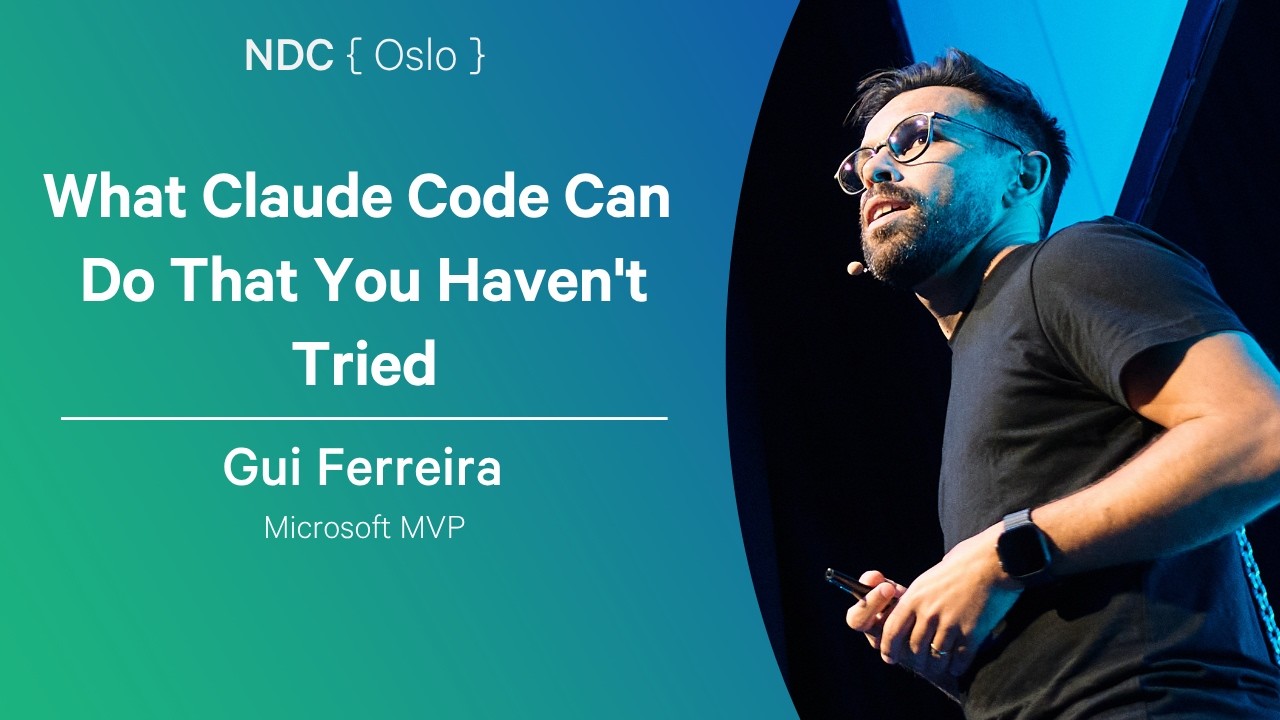
What Claude Code Can Do That You Haven't Tried - Gui Ferreira - NDC Oslo 2026
Summary
This advanced session provides a deep dive into maximizing AI coding assistants, specifically Claude Code, moving beyond basic code generation. The focus is on advanced configuration, workflow automation, and treating the AI as a comprehensive assistant for non-coding tasks. Key strategies include managing project context via `Claude.md`, using specialized commands (`/goal`, `/focus`), and implementing robust development practices like automated testing hooks and parallel work streams.
Key takeaways
-
Optimize Project Context with `Claude.md`
5:30
Do not over-document `Claude.md`. Studies (ETH Zurich) suggest that efficient, 'lean' configuration files are best. Use the `/doctor` command to audit and clean up redundant information, moving specific rules to language-specific files within `.cloud/rules` to prevent context confusion.
-
Implement Structured Workflows and Iteration Control
12:00
Use 'Plan Mode' (Shift+Tab) to generate a plan, then open it as a markdown file (`Ctrl+G`) for collaborative editing. To prevent context window bloat during complex refactoring, utilize the `/rewind` feature to step back to previous states, and use the `/focus` command to filter out intermediary messages and see only the initial prompt and final result.
-
Automate and Parallelize Development Tasks
17:30
Leverage specialized skills for complex tasks: use `/patch` for large-scale refactoring/migrations, `/loop` to monitor deployments (e.g., checking GitHub Actions status), and `/goal` to define a task as a verifiable journey (e.g., 'Test passes' or 'PDF is generated').
-
Manage Context and Cost Proactively
24:10
Monitor resource consumption by running `/context` in an empty session to diagnose unnecessary data polluting the context window. When debugging, proactively run `/compact` to summarize history and prevent the 'danger zone' (around 40% context usage) where token efficiency drops.
Technical details
-
Configuration & Context Management
330s
Use `slash import [product name]` to migrate project configurations (MCP servers, sub-agents) from other coding agents. Store user-specific, session-wide preferences in the user profile folder (`.cloud/`) rather than repeating them in every project's `Claude.md`.
-
Workflow Commands
330s
• `/doctor`: Audits and cleans up `Claude.md` by identifying duplication and suggesting moves to skills. • `/goal`: Defines a task as a verifiable journey with specific success criteria (e.g., 'Test passes'). • `/focus`: Filters conversation logs to show only the initial prompt and the final result, simplifying long processes.
-
Advanced Interaction & Debugging
720s
• `Ctrl+G`: Opens the plan generated by Claude as an editable markdown file in the editor. • `!`: Prefixing a command (e.g., `!npm test`) forces the AI to treat the following input as a raw bash command, bypassing unnecessary reasoning. • `slash BTW`: Runs a query as a side task that does not pollute the main conversation's context window.
-
Parallel Development & State Management
1650s
Use 'work trees' (a Git concept) to work on multiple features (e.g., bug fix, refactor, new feature) simultaneously on the same project without committing. Use `slash color` and `slash rename` to maintain visual context when switching between parallel tasks.
Mentioned resources
- Anthropic Claude Code
- ETH Zurich Study
- Obsidian
Channel & topics
Watch on YouTube · Back to latest
This independent, AI-assisted summary is provided for commentary and informational purposes. It may contain errors or omit important context. Please watch the original video for the creator's complete presentation. Video, thumbnail, and related copyrights belong to their respective owners.