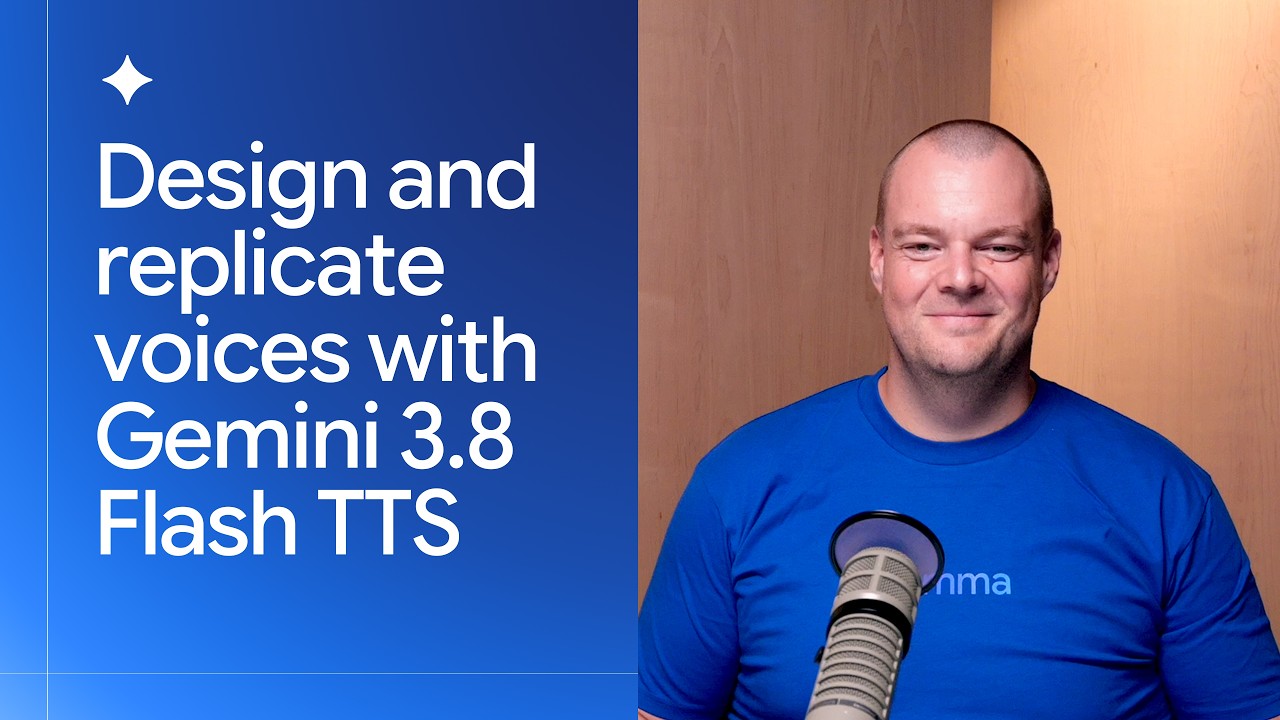
Design and replicate voices with Gemini 3.8 Flash TTS
Summary
Gemini 3.8 Flash TTS significantly advances synthetic speech capabilities by introducing advanced voice design and voice replication features. Developers can now replicate personal voices from short audio samples or design entirely new voices using detailed text prompts (e.g., specifying accent, energy, and persona). The system supports multi-speaker dialogue generation and is accessible via the Gemini API, allowing programmatic listing and management of custom voices. The platform offers two models: Gemini 3.8 Flash TTS (most expressive) and Gemini 3.8 Flash-Lite TTS (cost-efficient for high volume).
Key takeaways
-
Voice Replication and Design
0:01
Users can replicate their own voice within Google AI Studio using minimal audio input (e.g., 20 seconds of audio). Alternatively, a new voice can be designed by providing a detailed text prompt specifying characteristics, such as 'High energy, mid-twenties female podcast host with a strong local Buenos Aires Argentine Spanish accent' (1:00).
-
Multi-Speaker Dialogue Generation
0:09
The Gemini-TTS can generate complex, multi-speaker dialogues (e.g., a podcast) based on a single topic, automatically assigning different personas and styles to each speaker (8:58).
-
API Workflow and Voice Management
0:04
Programmatic access to voices is achieved by using the Gemini API (Python client). Scripts can list all available voices, including both replicated and pre-built voices, and can also list pre-built voices available in the extended voice library (4:10, 5:44).
-
Model Selection
0:13
Two versions are available: Gemini 3.8 Flash TTS (recommended for maximum expressiveness and language support) and Gemini 3.8 Flash-Lite TTS (optimized for high volume, cost-efficient projects) (12:53).
Technical details
-
Voice Replication & Design
2s
Voice design requires detailed prompts to define the desired persona, accent, and energy level. A key technical note is that an accent specified during design (e.g., Argentine Spanish) may persist when the voice is used to speak a different language (e.g., German) (2:19).
-
API Implementation (Python)
4s
To interact with the Gemini API, developers should install the Gemini API dev skills. The process involves setting up a virtual environment, configuring a `.env` file with the API key, and utilizing the Google Gen AI Python client to call the `voices` endpoint (4:10).
-
Multi-Speaker Scripting
12s
A script can be generated to create a podcast by providing a topic and specifying multiple hosts, including their desired persona (e.g., British English female, Irish male). Gemini 3.8 Flash handles both research and script generation across these personas (11:55).
-
Ecosystem Integration
13s
The Gemini-TTS is integrated with major partner frameworks, including Agora, LiveKit, Pipecat, and Vercel, facilitating rapid adoption across various development stacks (13:34).
Mentioned resources
Channel & topics
Watch on YouTube · Back to latest
This independent, AI-assisted summary is provided for commentary and informational purposes. It may contain errors or omit important context. Please watch the original video for the creator's complete presentation. Video, thumbnail, and related copyrights belong to their respective owners.