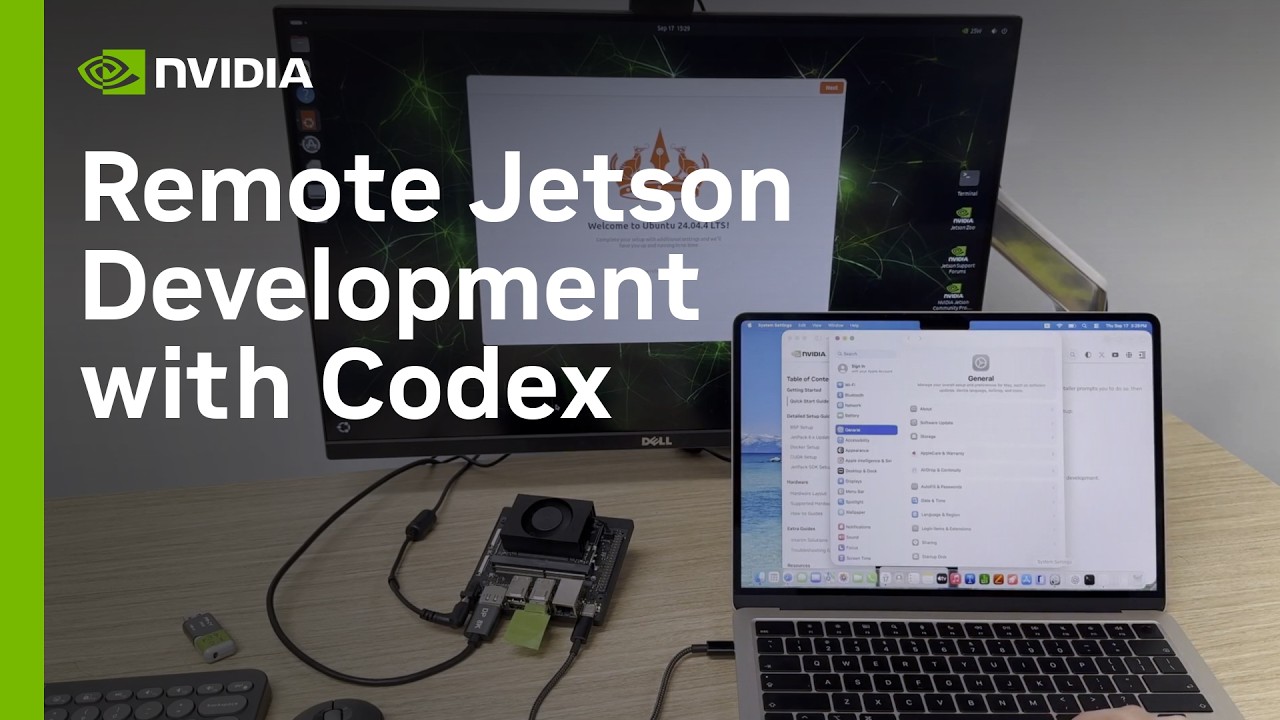
How to Set Up NVIDIA Jetson for Remote AI Development with Codex
This tutorial details the secure setup of an NVIDIA Jetson device for remote AI development using Codex. The process establishes robust connectivity (SSH over USB and Wi-Fi), integrates the Codex CLI for project management, installs NVIDIA Jetson Device Skills, and validates the environment's readiness for AI workloads. Key steps include configuring non-root Docker permissions and running a CUDA container test to ensure full GPU access, all while maintaining a remote, reproducible development environment.
Key takeaways
-
Secure Remote Connectivity Setup
Established dual connectivity (USB SSH and Wi-Fi) and used Codex to automate the setup of SSH keys, ensuring secure, password-less access to the Jetson.
-
Codex Project Integration
2:28
The Codex CLI was installed and authenticated on the Jetson, allowing the remote project to be registered and managed within the Codex desktop app, streamlining file access and command execution.
-
Device Skills and Containerization
NVIDIA Jetson Device Skills were installed to manage device-specific instructions. The workflow was containerized using CUDA libraries, eliminating the need for the full JetPack SDK on the host machine.
-
GPU Access Validation
The final step involved configuring non-root Docker permissions and running a CUDA container test. This verified that the Jetson Orin processor was correctly initialized and accessible for AI workloads.