How to Set Up NVIDIA Jetson for Remote AI Development with Codex
Summary
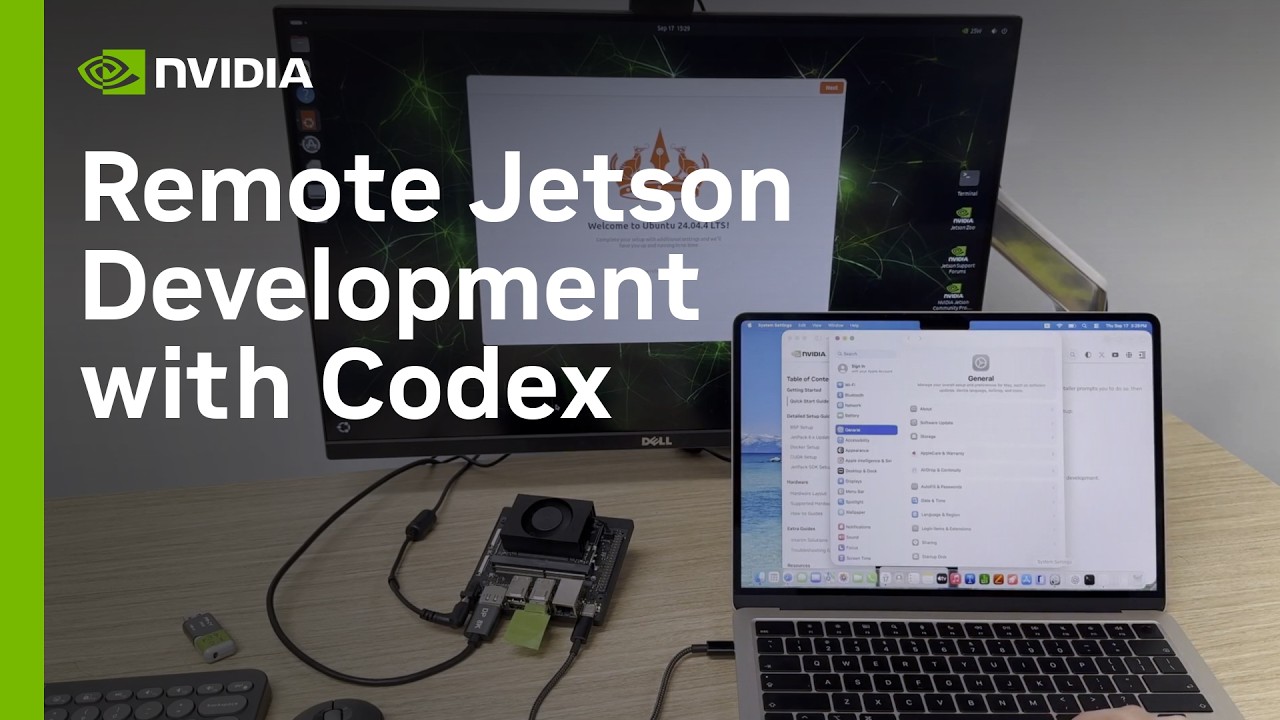
This tutorial details the secure setup of an NVIDIA Jetson device for remote AI development using Codex. The process establishes robust connectivity (SSH over USB and Wi-Fi), integrates the Codex CLI for project management, installs NVIDIA Jetson Device Skills, and validates the environment's readiness for AI workloads. Key steps include configuring non-root Docker permissions and running a CUDA container test to ensure full GPU access, all while maintaining a remote, reproducible development environment.
Key takeaways
-
Secure Remote Connectivity Setup
Established dual connectivity (USB SSH and Wi-Fi) and used Codex to automate the setup of SSH keys, ensuring secure, password-less access to the Jetson.
-
Codex Project Integration
2:28
The Codex CLI was installed and authenticated on the Jetson, allowing the remote project to be registered and managed within the Codex desktop app, streamlining file access and command execution.
-
Device Skills and Containerization
NVIDIA Jetson Device Skills were installed to manage device-specific instructions. The workflow was containerized using CUDA libraries, eliminating the need for the full JetPack SDK on the host machine.
-
GPU Access Validation
The final step involved configuring non-root Docker permissions and running a CUDA container test. This verified that the Jetson Orin processor was correctly initialized and accessible for AI workloads.
Technical details
-
SSH Setup
17s
Codex was used to generate and deploy dedicated SSH keys, enabling secure, password-less remote login from a Mac to the Jetson via USB.
-
Network Configuration
105s
The Jetson was configured for Wi-Fi connectivity while maintaining the USB connection, ensuring redundancy and automatic network reconnection.
-
Codex Authentication
148s
The Codex CLI was installed and authenticated using a browser-based link and one-time code, authorizing the tool without requiring local account passwords.
-
Docker Permissions
To allow the Jetson user to run Docker containers, the system-level permission was updated using a specific command (run locally, then reconnected) to grant non-root access.
-
CUDA Validation
A temporary CUDA container was run to detect the Jetson Orin processor, initialize CUDA, and complete a GPU memory test, confirming readiness for AI development.
Mentioned resources
Channel & topics
Watch on YouTube · Back to latest
This independent, AI-assisted summary is provided for commentary and informational purposes. It may contain errors or omit important context. Please watch the original video for the creator's complete presentation. Video, thumbnail, and related copyrights belong to their respective owners.